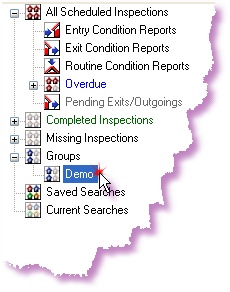
To edit a group name follow the instructions below;
1. |
Open the ADLInspect Manager
|
2. |
Right-click on the 'Groups' node, in the Search TreeView, that you wish to edit and select 'Edit Group...'
|
3. |
A window will appear with the 'Group Name'
Change the name as required and click <OK>
|
4. |
The updated group name will now appear under the 'Groups' node
All Inspection Reports attached to this group will be automatically updated to the new group name
|