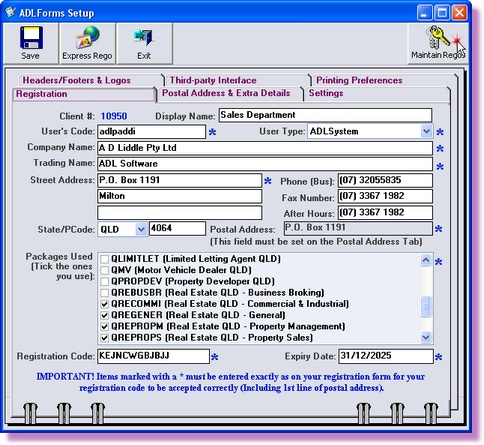
If you have more than one ADLForms &/or ADLInspect registration and these details have been added to a single computer you can remove a registration.
1. |
Open ADLInspect
|
2. |
Select ‘Register ADLInspect’ from the ‘File’ menu within the ADLInspect Manager
|
3. |
Click on <Maintain Regos>
|
4. |
Highlight the registration you want to delete and click on the <Delete Rego> button
|
5. |
A window will pop-up asking if you're sure you want to delete the registration details
If you are sure that they are the details you want to delete click <Yes>
|
6. |
Click the <Cancel> button
|
7. |
Click the <Exit> button to return to the ADLInspect Manager |