'Field Tips' is a window that appears at the bottom of the form entry screen.
When the cursor is over a field that has advanced features, they will be explained in the 'Field Tips' window. A particular type of field may have a number of tips. In such cases the tips will appear randomly each time you hover the mouse cursor over the field.
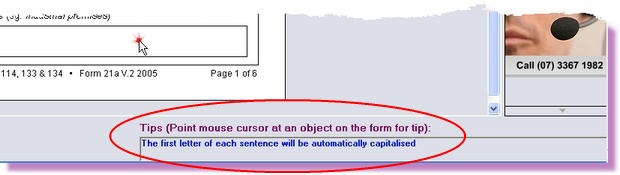
or
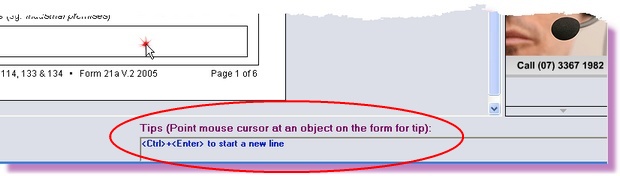
To activate or deactivate field tips please follow these steps:
1. |
While in a form, click on the <View> menu
|
2. |
Select the <Field Tips> option
|