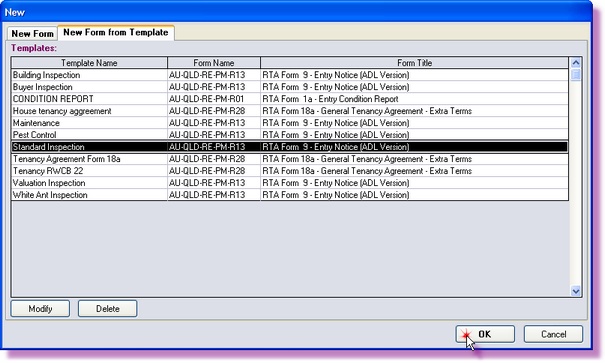
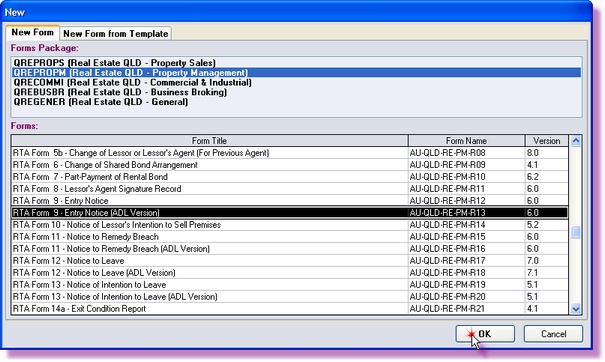
There are two ways to create a new form. The first is by selecting the package the form is in and then the form you wish to create and the second is to select a template you have created for a specific form, allowing you quick access to commonly used forms.
Creating a New Form by Package
1. |
Open ADLForms
|
2. |
Click on <New>
|
3. |
Click on the 'New Form' tab
|
4. |
Choose the 'Forms Package' you would like to use
|
5. |
Highlight the form you want to create and click <OK>
Your office's details will automatically show up on the form, which can be modified in Changing Agents Details
|
6. |
If there are any saved templates for the selected form then a window will appear asking you which template you wish to use (See Saving and Using Templates)
Select the template and click <OK>
|
Creating a New Form by Template
1. |
Open ADLForms
|
2. |
Click on <New>
|
3. |
Click on the 'New Form from Template' tab
|
4. |
Choose the Template you would like to use and click <OK>
|
|
Note: From this screen you can also select to Modify a Template without actually starting a new form or Delete a Template that is no longer required. |